

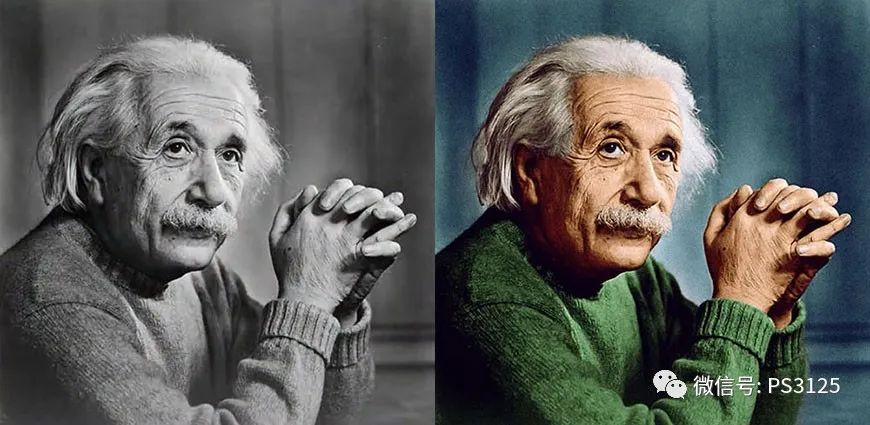
< span > tutorial renderings
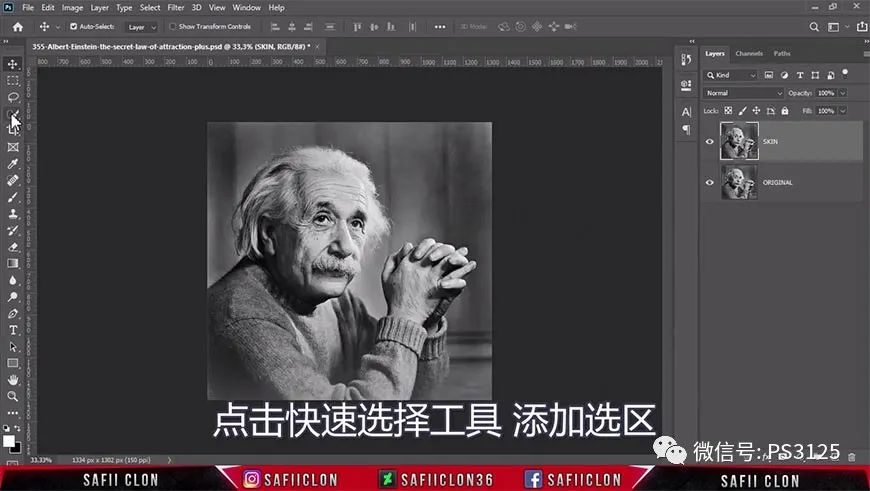
< strong > step 01 add selection
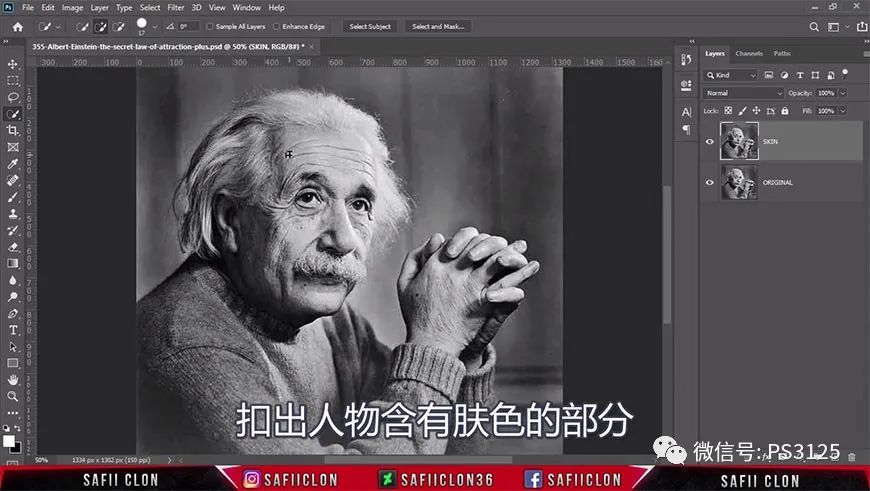
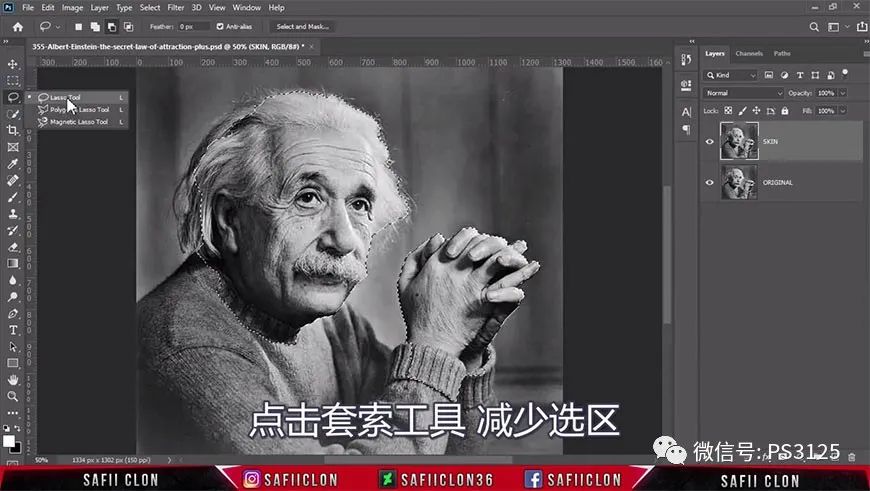
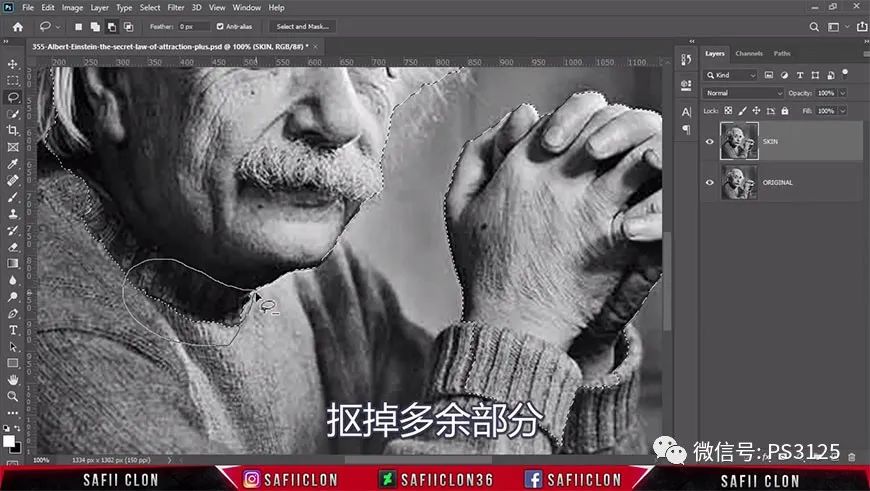
Use the quick selection tool to select the range of the person’s skin and adjust the edge.
< strong > step 02 skin coloring
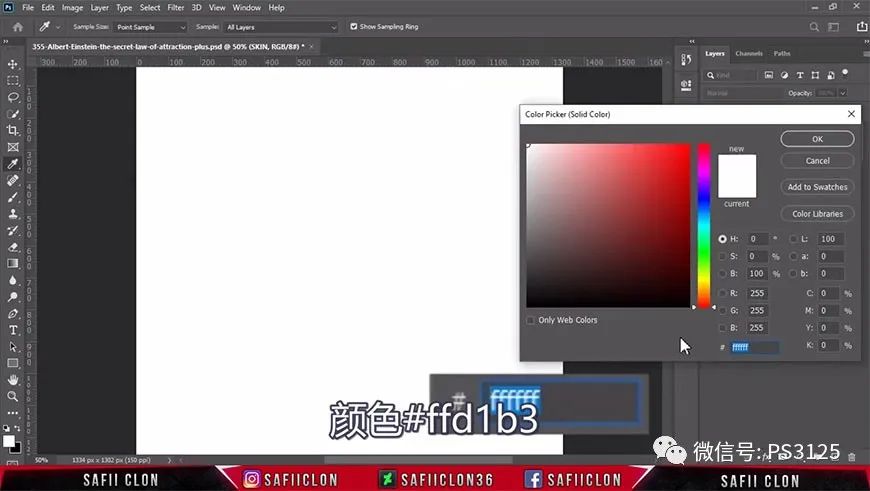
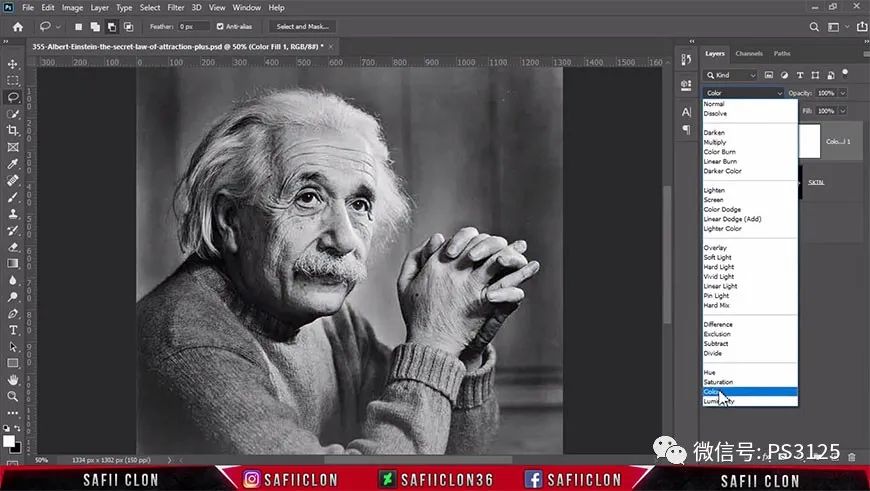
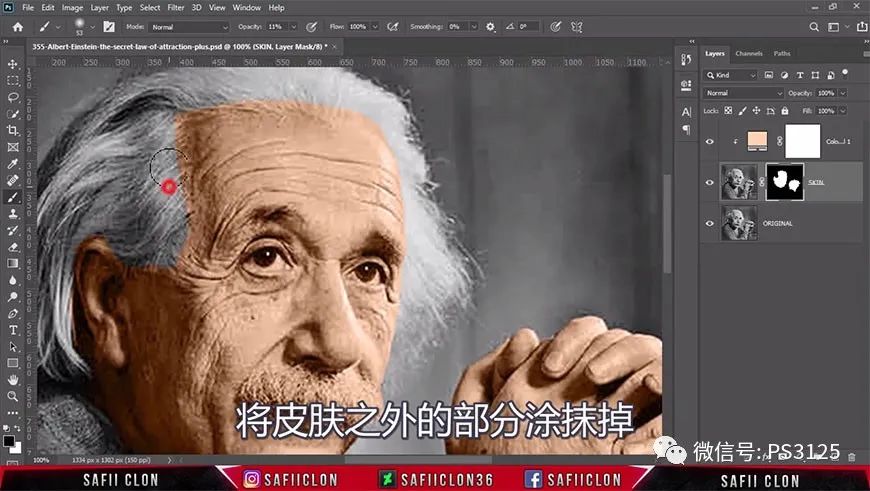
Change the blending mode of skin color layer to color, and use color level layer to fine tune the light dark relationship.
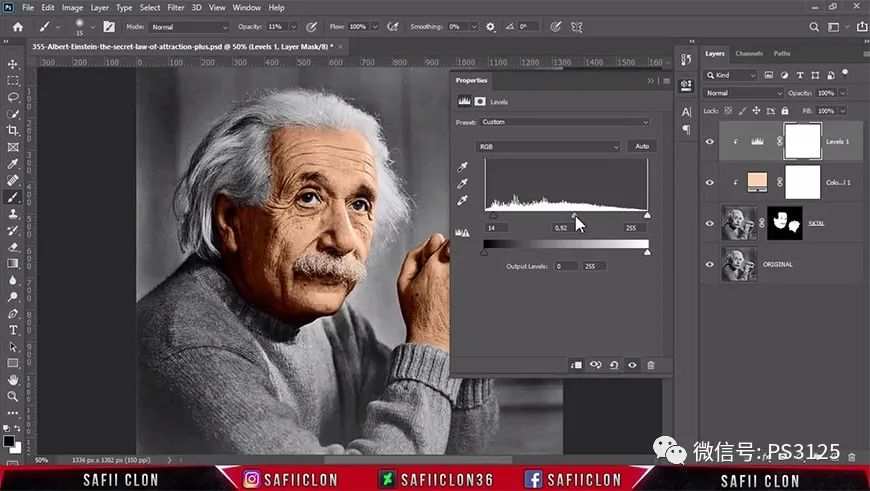
< strong > step 03 screen coloring
Repeat the first two steps to color the dress and background. Pay attention to adjust the edges more carefully where the colors intersect.
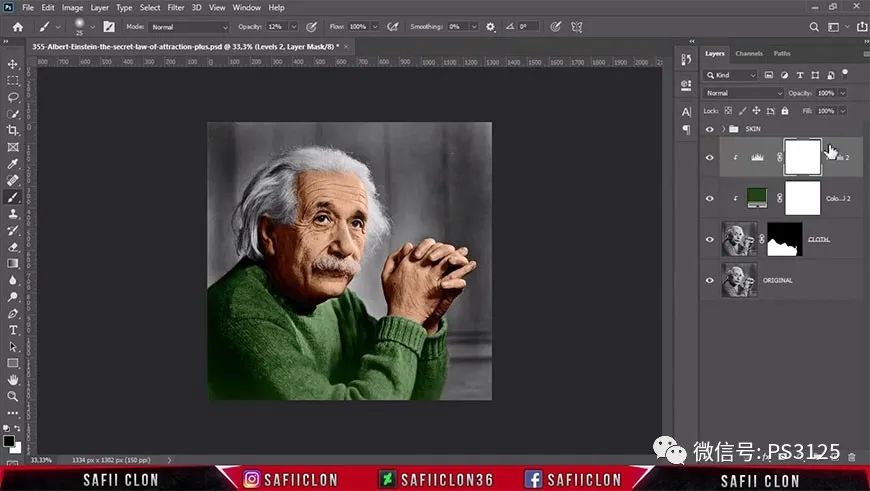
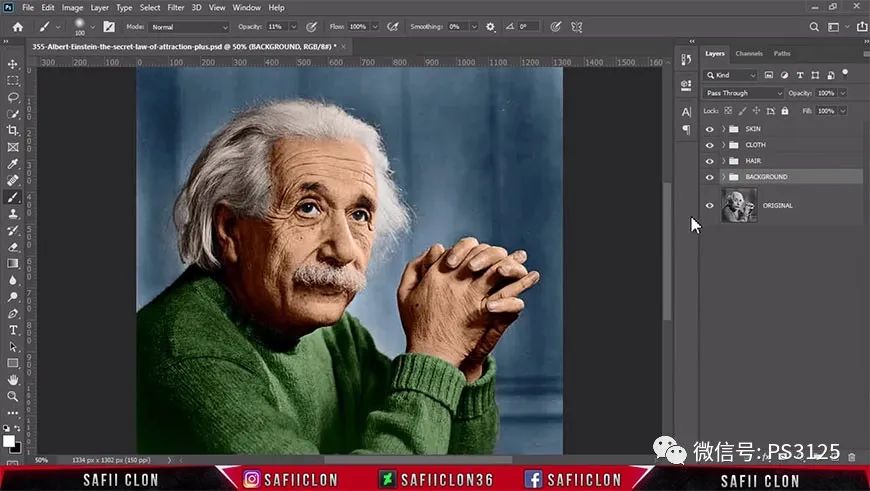
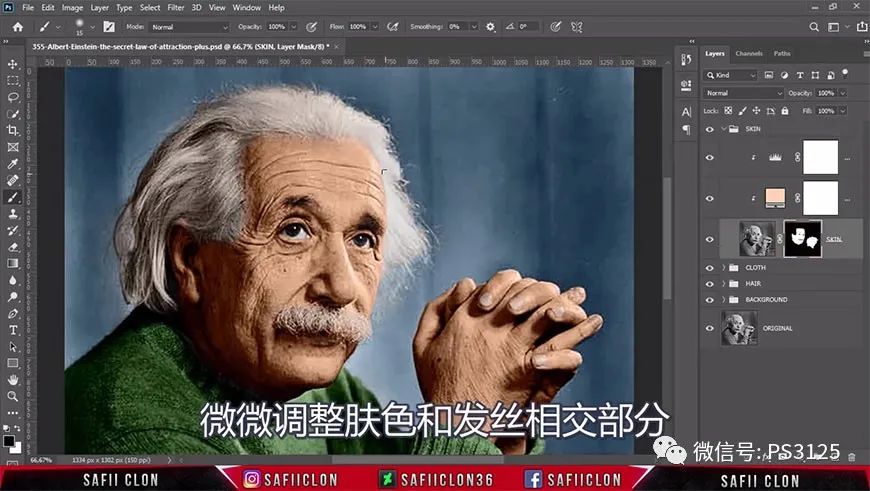
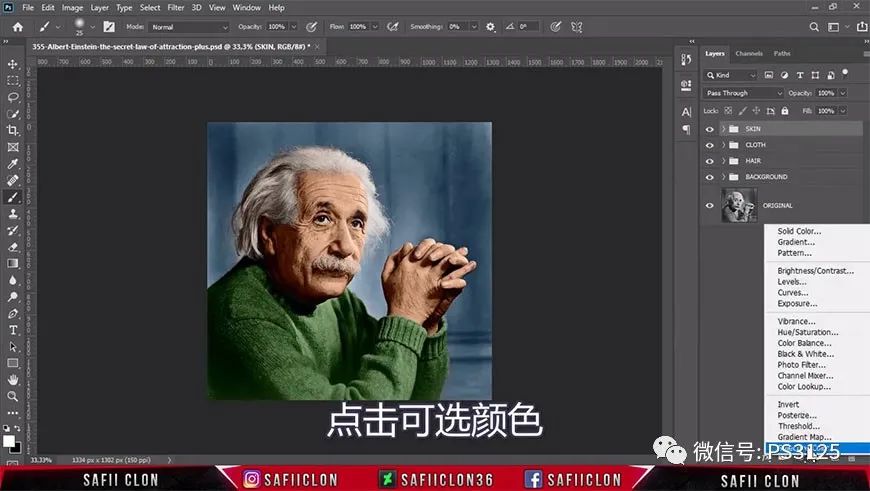
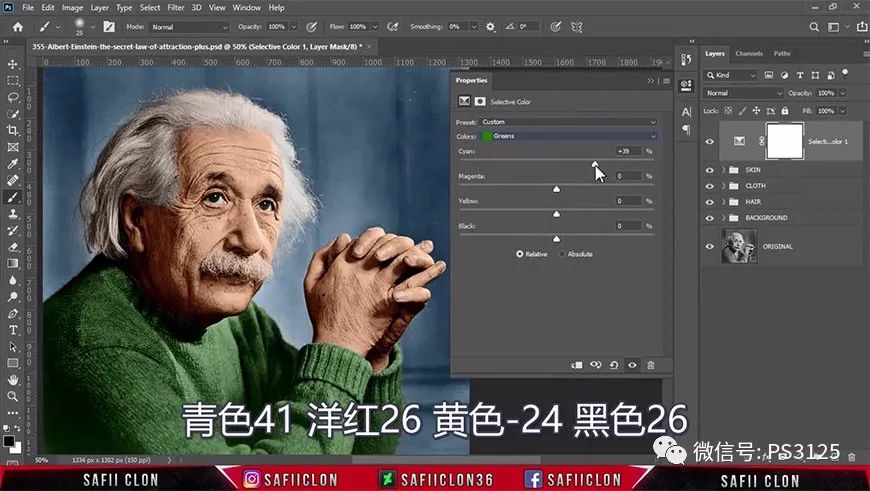
< strong > step 04 available colors < / strong >
Add an optional color adjustment layer to fine tune the overall tone of the screen to make it more comfortable.
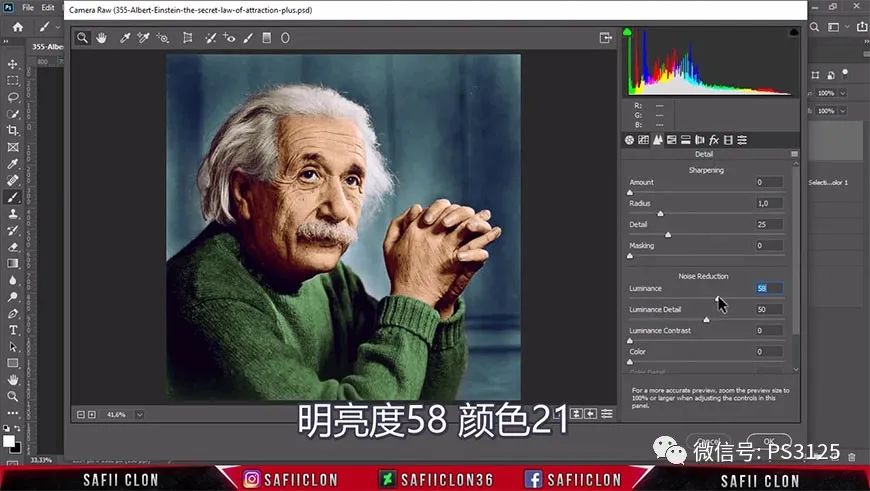
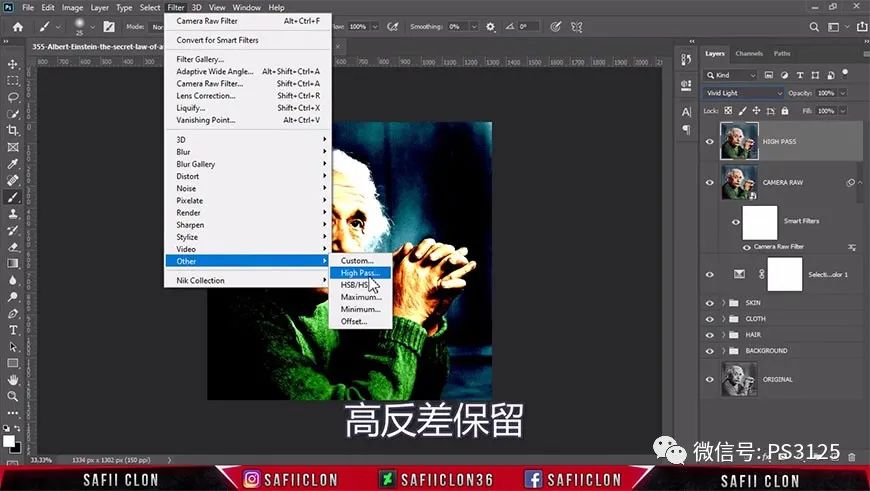
< strong > step 05 camera raw filter
Use camera raw filter to further adjust and add high contrast retaining filter.
< span > < strong > final rendering
Please indicate:Free Editor Online Photoshop » “PhotoShop” to color black and white photos




 Gender Double Label Revealed 9 Illustrations Reveal the Invisible Rules Around Us!


Login to comment! If you already have an account, please first log in,No please registered or